
Work in Excel
Import CSV, check data types, then filter or sort the rows. Keep identifiers as text where needed.
Turn a useful web table into data you can sort, filter and compare. Prepare table files through the page collector’s AI output, then choose whether to work in Excel or ask an external AI tool. You decide which pages and files to use.
Read an HTML table
| Item | Value |
|---|---|
| A | 120 |
| B | 180 |
Prepare CSV / JSON
Item,Value
A,120
B,180[["A",120],["B",180]]Use Excel or external AI
Manual handoff
| Item | Value |
|---|---|
| A | 120 |
| B | 180 |
Compare the values of A and B and explain their difference.
Per-page or full-package output + table export enabled. You import or hand off the files manually.
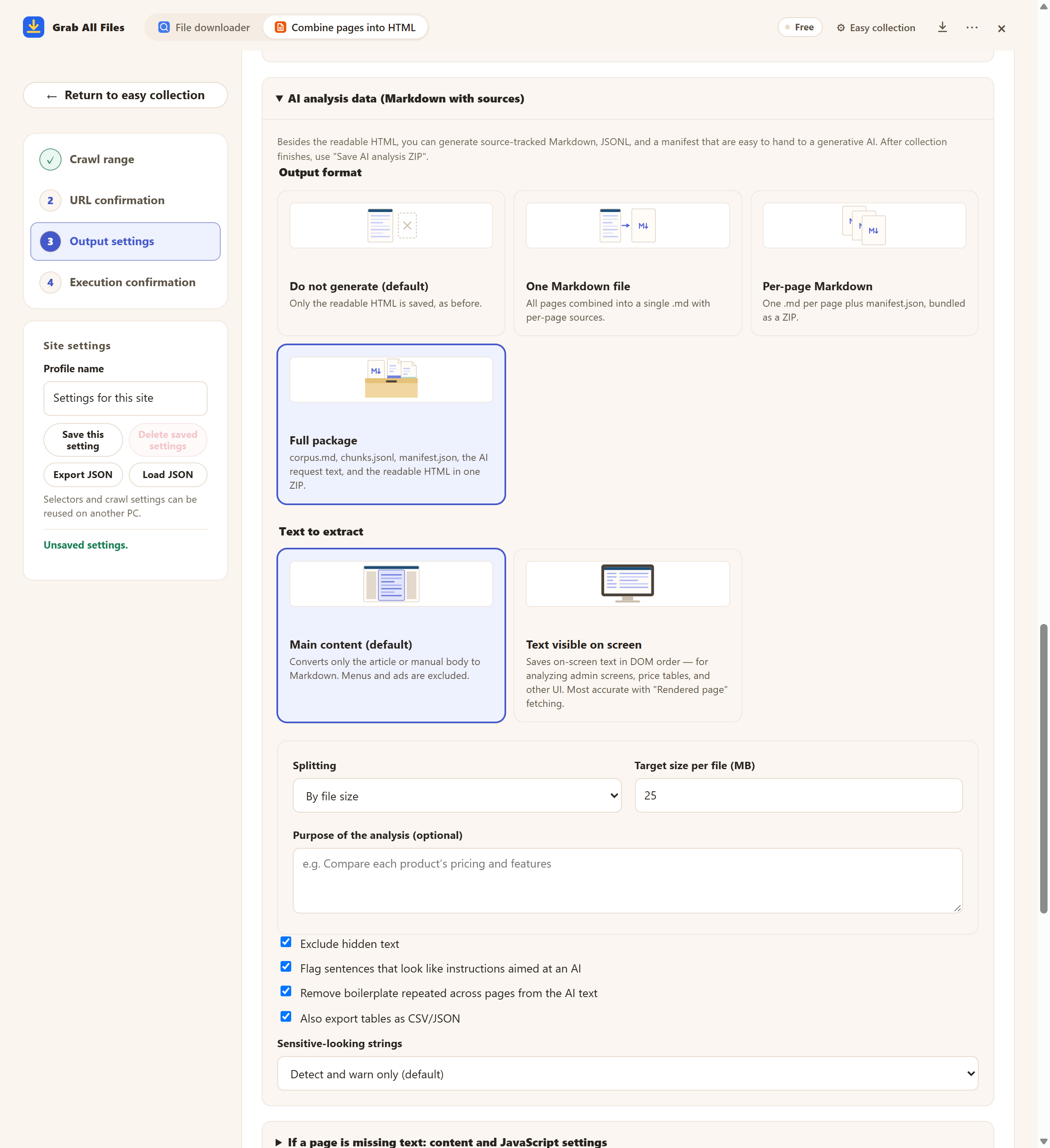
Actual extension screen using sample materials. Table CSV/JSON export settings. A Free example with one selected page, showing settings and controls before saving. Pro combines multiple selected pages as described in this guide.
Open the full-size image ↗


Pictures and names are the extension’s own cards.
Import CSV, check data types, then filter or sort the rows. Keep identifiers as text where needed.
Choose the relevant table and source material and ask for a comparison or summary. Verify the answer against the original table.
Compare the rows using only the supplied values. Keep units and footnotes, cite the source page, and mark unavailable values rather than guessing.
Identify duplicate entries and missing fields. Explain the rule used and leave the original values available for review.
| Output | Use |
|---|---|
| CSV / JSON tables | Enable table export with per-page or full-package output. Check extracted cells before reuse. |
| Markdown / JSONL / manifest | Source URLs and capture dates in AI output help you check where the material came from. |
| HTML | Read the collected page and compare the table with its context. |
No. File-list CSV describes downloaded-file URLs and metadata. This workflow extracts supported HTML table data through the collector’s AI output.
Table export applies to meaningful HTML tables within extraction limits when per-page or full-package output is selected. Layout tables are excluded; images and PDF screenshots are not guaranteed table data.
This workflow produces CSV/JSON table files. Open or import CSV in Excel yourself; there is no direct XLSX export.
Free collects one chosen page; Pro can select multiple page bodies. The extension prepares files locally. You pass them to Excel or an external AI tool yourself.
Collection uses your own browser session and does not collect credentials. If a page is marked “Sign-in needed”, press “Open the site to sign in”, sign in in that tab, then press “Resume”. Pages that still need a sign-in are not saved, and the result says how many were left out.
Open “If a page is missing text: content and JavaScript settings”, turn on “Scroll down to load content that appears later” or “Press ‘Show more’ to include the continuation”, and collect again. Tables drawn as images or inside a PDF are not exported as CSV.
Free saves up to 10 files per download in the file downloader, and one chosen page per run when you combine pages into HTML; that page’s linked files are saved 10 at a time with “Save the next 10”. Pro ($19.99 one-time, up to 3 devices) removes the per-download cap and combines multiple pages into one HTML.