
An old website backup
A site saved with “Save page”, HTTrack or wget, or copied off a server, with index.html and many sub-pages.
Have a saved website, an exported manual or a ZIP full of .html pages? Choose the folder or ZIP on your computer and Grab All Files combines the pages into a single HTML file with a table of contents. Pages keep the order of the site’s own links, local images are embedded, and links between pages jump inside the file. Everything runs in your browser; nothing is uploaded.
Choose the folder or ZIP
Check order and pages
One HTML with a table of contents
manual.html
├ Table of contents
├ index
├ chapter-1
└ chapter-2
Free converts one chosen HTML file per run; Pro combines the selected files into one HTML. Order follows the links from index.html.
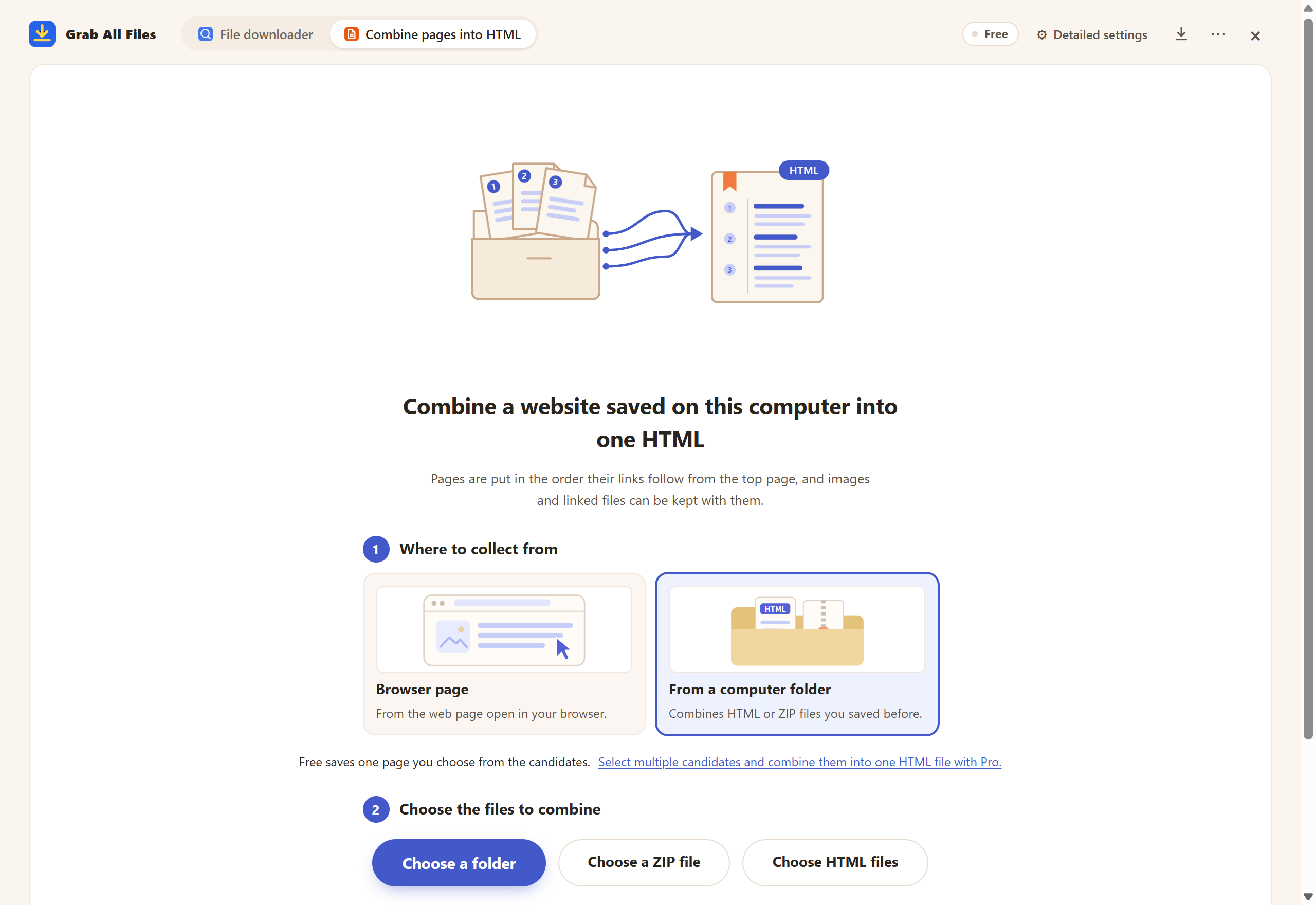
Actual extension screen using sample materials. “From a computer folder” in Combine pages into HTML: choose a folder or ZIP file, or drag it onto the screen.
Open the full-size image ↗


Pictures and names are the extension’s own cards.
A site saved with “Save page”, HTTrack or wget, or copied off a server, with index.html and many sub-pages.
HTML output from help authoring tools, Sphinx, Javadoc or Doxygen, or a CHM help file extracted to HTML.
Training material, product manuals or e-learning chapters delivered as a folder of pages.
Wiki or intranet pages you exported as HTML and want to keep as a single document.
Print one combined file instead of opening and printing every page separately.
Create one Markdown file or a full AI package (corpus.md, chunks.jsonl, manifest.json) with page sources.
Yes, with one page: in folder mode the Free plan converts one chosen HTML file per run into a self-contained HTML with its local images embedded. Combining multiple HTML files into one file with a shared table of contents requires Pro ($19.99, one-time).
No. The folder or ZIP is read in your browser and the combined HTML is created on your device. No site permission is needed, and online images referenced by the pages are left as links rather than downloaded.
Pages without a charset declaration, or declared as UTF-8 but actually written in Shift_JIS, EUC-JP or ISO-2022-JP, are detected automatically and read correctly. If every page has the same <title>, the table of contents uses each page’s heading instead.
Local PNG, JPEG, GIF, WebP and AVIF images are embedded. Links between the combined pages become jumps inside the file. Linked files such as PDF, Office or ZIP can be copied next to the HTML (default), embedded (20 MiB per file and 100 MiB in total by default) or left as links.
.html, .htm and .xhtml files in a folder or a ZIP file. Frame layout pages (frameset) are left out by default while the pages inside the frames are included. MHT files and CHM help files are not read directly; extract a CHM to HTML first.
The browser-page mode collects related pages from a live website. Folder mode works only with files already on your computer, so it suits archived sites, offline manuals and documents that are no longer online.
Check the report after creating the HTML: it lists files that could not be read, links to pages you left out and images that could not be embedded. Pages outside the chosen sub-folder or in excluded paths are not included, online images stay as links, and frameset layout pages are skipped by default while the pages inside the frames are kept.
Free converts one chosen HTML file from the folder per run, with local images embedded. Pro ($19.99, one-time) combines all the pages you select into one HTML with a shared table of contents and internal links. Everything is processed on your device.