
Recognize a document
Use a meaningful retrieved or edited title, or deliberately keep the original filename. Check the extension as well.
A readable filename and a predictable folder make a document set easier to revisit. Review the titles found for your PDFs, choose a naming mode, and organize a mixed file set by format or source site. Check the saved results rather than assuming every title is useful.
Review the PDF filenames
Confirm titles and naming
| Original name | Title checked / edited |
|---|---|
| a013.pdf | Application guide |
| b072.pdf | Required documents |
| c103.pdf | No useful title |
Automatic naming
Save names and folder groups
PDF/
├ Application guide.pdf
├ Required documents.pdf
└ c103.pdfexample.org/
├ Application guide.pdf
├ Required documents.pdf
└ c103.pdfAutomatic naming falls back to the original name when no useful title is available. Folder examples show alternatives.
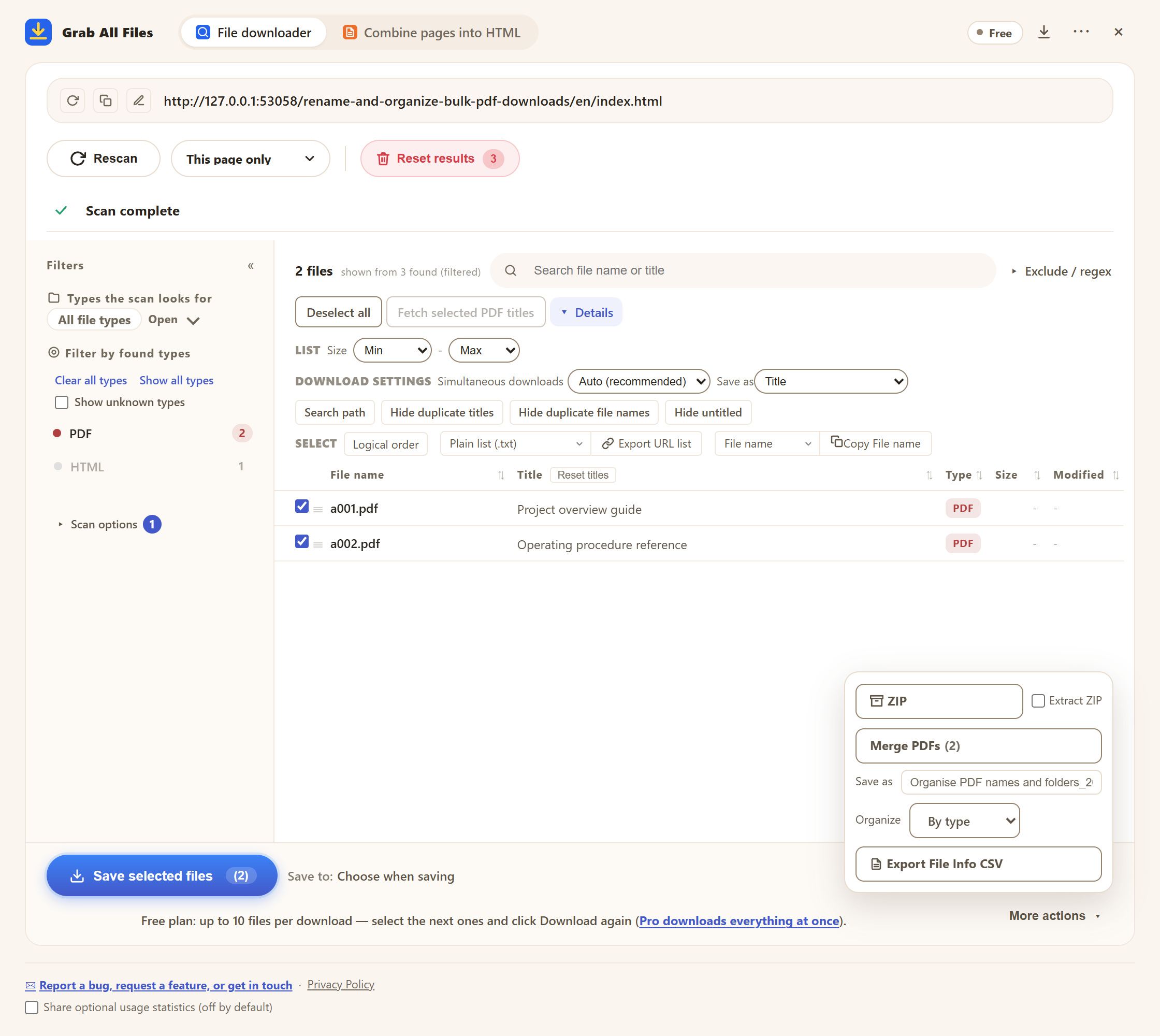
Actual extension screen using sample materials. Reviewed PDF titles, save names and folder options.
Open the full-size image ↗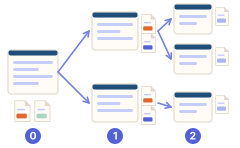
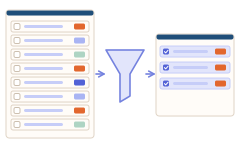
Use a meaningful retrieved or edited title, or deliberately keep the original filename. Check the extension as well.
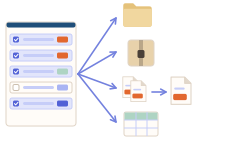
Group a mixed set by file type or source site. Choose no grouping when a single folder is easier.
Check that titles distinguish the procedure, required documents and supporting guidance. Add a stated revision to your own title only after confirming it.
Keep PDFs and spreadsheets in file-type groups, and verify that the files you expected were saved.
| Choice | Use |
|---|---|
| Automatic / title / original name | Choose based on the title quality and the original name. Title mode can retain generic titles, so review them. |
| File type / domain / no grouping | Organize by format or source site; this is not automatic subject classification. |
| Download / ZIP | Use an ordinary file set or archive and check the saved structure. |
No. Available metadata or page headings may be missing or generic. Review the retrieved title; automatic mode can use the original filename when no useful title is found.
It groups files by file type or source domain, not by an inferred business subject. A PDF-only set is still the same file format.
Destination depends on browser support and download settings. Chromium can offer a folder picker; Firefox uses its Downloads/GrabAllFiles route. Check the resulting destination.
Yes. “Save as”, title editing and “Organize” all work in Free. Free saves up to 10 selected files per download; to continue, select the next files and press “Save selected files” again. Pro ($19.99 one-time, up to 3 devices) removes the per-download cap.
Free saves up to 10 files per download in the file downloader, and one chosen page per run when you combine pages into HTML; that page’s linked files are saved 10 at a time with “Save the next 10”. Pro ($19.99 one-time, up to 3 devices) removes the per-download cap and combines multiple pages into one HTML.